

New Zealand's Fjordland 2026: Your eSIM Guide for Remote Trail Navigation
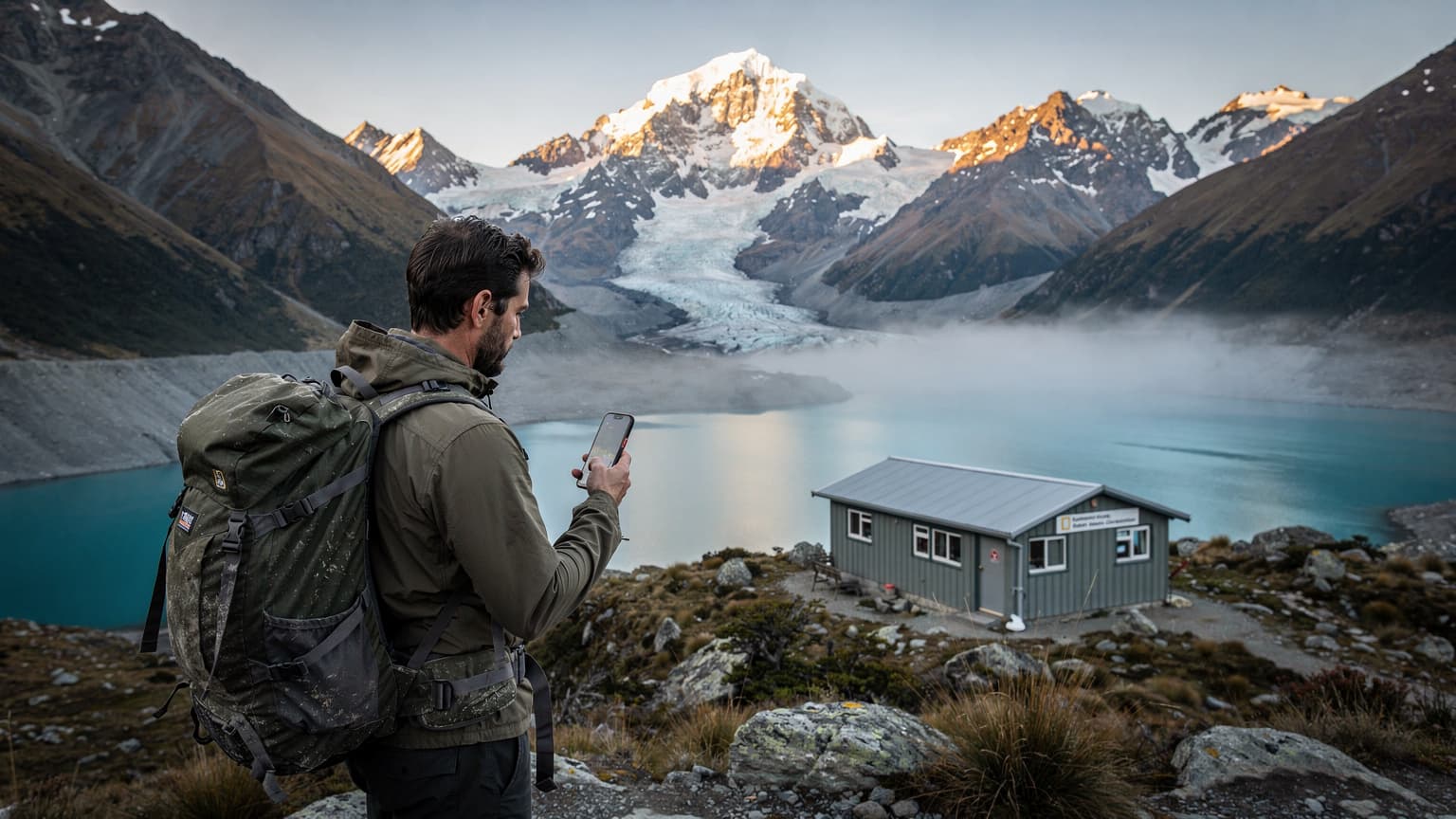
Imagine yourself standing amidst a landscape sculpted by ancient glaciers, where towering peaks plunge into ink-dark fjords, and the air hums with the promise of adventure. This is Fiordland National Park, a UNESCO World Heritage site in New Zealand, and for many, the ultimate hiking destination. As we look towards 2026, the allure of its remote trails remains as strong as ever. But how do you stay connected and navigate safely when cell towers are a distant memory? The answer, my friends, lies in the power of an eSIM.
Why Fiordland Demands Smart Connectivity
Fiordland is breathtaking, but it's also genuinely remote. Traditional cell service is sparse, and often non-existent, on the popular trails like the Milford Track, Routeburn Track, and Kepler Track, let alone the lesser-known backcountry routes. While physical maps and compasses are essential tools, modern technology offers a vital layer of safety and convenience, especially when it comes to navigation and emergency communication. Pre-downloading maps, accessing weather updates, and having the ability to contact someone in an emergency can be the difference between a great adventure and a tricky situation.
The Challenges of Remote Navigation
- Limited Cell Signal: Don't expect your regular SIM card to work in most of Fiordland.
- Dynamic Weather: Fiordland is famous for its unpredictable weather. Real-time updates are invaluable.
- Complex Terrain: Trails can be rugged, and visibility can drop quickly. GPS accuracy is paramount.
- Emergency Preparedness: The ability to make an emergency call, even with limited signal, is crucial.
Enter the eSIM: Your Digital Lifeline
For the uninitiated, an eSIM (embedded SIM) is a digital SIM card that allows you to activate a cellular plan from a carrier without needing a physical SIM card. This technology has been a game-changer for international travelers, and it's particularly well-suited for destinations like Fiordland where reliable connectivity is a premium.
How an eSIM Works for Fiordland
While an eSIM won't magically create cell towers where none exist, it significantly enhances your connectivity options where signal is present, and importantly, streamlines your ability to switch to local networks or specific data plans designed for remote areas. Many eSIM providers, like esimFlyer travel eSIM, offer plans tailored for New Zealand, giving you access to the local networks instantly upon arrival. This means you’re connected to the strongest available signal immediately, without hunting for local SIM cards or dealing with activation hassles.
Even more critically, an eSIM allows you to easily purchase and switch to specific data plans that might include satellite communication options or optimized roaming for emergency services in areas with minimal coverage. While not a direct satellite phone replacement, having a esimFlyer travel eSIM ensures you are always configured for the best possible network access, which can be invaluable for accessing cached maps, sending messages via low-bandwidth apps, or making calls when a weak signal miraculously appears.
Choosing the Right eSIM for Your Fiordland Adventure
Not all eSIMs are created equal, especially when navigating the unique demands of Fiordland. Here’s what to look for:
Key Features to Prioritize
- Reliable Network Coverage in NZ: Ensure the eSIM provider partners with major New Zealand carriers (Spark, Vodafone, 2degrees) to maximize your chances of catching a signal in fringe areas. esimFlyer travel eSIM, for example, offers robust coverage across New Zealand through its partnerships.
- Data Volume: While you won't be streaming movies, you'll need data for map downloads, weather updates, and emergency communications. A plan with a decent data allowance is wise.
- Flexibility and Top-Up Options: Can you easily top up your data if needed? Are there different plan durations to suit your trip length?
- Ease of Activation: Look for a provider with a straightforward activation process. You want to be ready to go as soon as you land.
- Customer Support: In a remote location, reliable customer support can be a lifesaver if you encounter any issues.
Recommended eSIM Providers for New Zealand
While several providers exist, esimFlyer travel eSIM stands out for its dedicated New Zealand plans, offering competitive data packages and reliable network access. Their seamless activation process and user-friendly platform make them an excellent choice for adventurers heading to Fiordland in 2026. Remember to check their specific New Zealand offerings closer to your travel date, as plans can evolve.
Preparing Your Device for Fiordland Navigation
Having an eSIM is only part of the equation. Proper device preparation is equally important for safe and efficient navigation.
Essential Apps and Downloads
- Offline Maps: This is non-negotiable. Download detailed maps of your entire route using apps like AllTrails, Gaia GPS, or Maps.me. Ensure they include topographic information and trail markers.
- DOC (Department of Conservation) App: New Zealand's DOC manages the national parks. Their app often has valuable information, hut bookings, and safety alerts. Download it and cache relevant sections.
- Weather Apps: Use apps like MetService NZ or AccuWeather and download regional forecasts before heading out.
- Emergency Contact Info: Store local emergency numbers (111 in NZ) and your personal emergency contacts directly on your device.
Power Management is Key
Your smartphone is only useful if it has battery life. Fiordland trails can be multi-day expeditions, so plan accordingly:
- Power Banks: Carry at least one high-capacity power bank. Consider a solar charger for longer trips.
- Offline Mode: When not actively using navigation or trying to get a signal, switch your phone to airplane mode to conserve battery.
- Screen Brightness: Keep your screen brightness as low as possible.
- Disable Unnecessary Apps: Close background apps that consume power.
Safety First: Beyond the eSIM
While an eSIM significantly enhances your safety, it's not a silver bullet. Always adhere to these fundamental safety practices:
- Tell Someone Your Plans: Inform a trusted person about your exact itinerary, including expected return dates.
- Register Your Hike: For Great Walks and many other trails, you must register with the DOC.
- Carry a PLB (Personal Locator Beacon): This is arguably the most crucial safety device for remote New Zealand. A PLB sends a distress signal directly to rescue services via satellite, even where there's no cell coverage. Rent one from a DOC visitor center or specialized outdoor stores.
- Pack for All Conditions: Fiordland weather is notorious. Be prepared for sun, rain, wind, and cold, often all in one day.
- Respect the Environment: Follow Leave No Trace principles. Pack out everything you pack in.
Your Fiordland 2026 Adventure Awaits
Fiordland National Park in 2026 promises an unforgettable journey into one of the world's most spectacular wilderness areas. By embracing the power of an eSIM from providers like esimFlyer travel eSIM, diligently preparing your device with offline maps, and prioritizing fundamental safety measures, you'll be well-equipped to navigate its remote trails with confidence and peace of mind. Get ready to immerse yourself in the awe-inspiring beauty of New Zealand's fjordland – your digital guide is ready to lead the way.