

The Case for eSIM in Business Travel: Why Physical SIMs Are a Relic
Remember scrambling for a local SIM card at some obscure airport kiosk, trying to communicate in broken English while jet-lagged and clutching your luggage? Or the horror of realizing your home carrier's roaming charges for a few urgent emails just blew past your per-diem? I do. Too many times. That's why, after four years of living out of a carry-on, I can tell you unequivocally that physical SIM cards for international business travel are a relic. They're a time sink, a security risk, and frankly, a productivity killer. In 2026, a business traveler's most valuable asset is uninterrupted connectivity, and an eSIM delivers exactly that.
The shift to eSIM isn't just about convenience, it's about control. You land, you connect. No fumbling with tiny trays, no risk of losing your home SIM, and no more waiting for a shop to open. Your phone becomes a truly global device, capable of switching networks with a few taps. For someone who might be in Singapore for a week, then off to London, then Buenos Aires, the agility an eSIM offers is non-negotiable.
The Hidden Costs of Traditional Roaming
Traditional roaming, even with 'add-on' packages from your home carrier, is often a nasty surprise. Those 'unlimited' data plans often throttle you after a few gigs, leaving you struggling during a critical video call. And God forbid you forget to turn off data roaming for a minute and your phone decides to sync all your cloud photos. I've heard horror stories from my WhatsApp groups: a friend in Tokyo accidentally racked up €500 in data charges because their 'daily roaming pass' hadn't activated properly. When you're on the clock, every unexpected expense and every moment of poor connectivity directly impacts your bottom line.
Security Implications: Public Wi-Fi vs. Private eSIM
Let's talk about public Wi-Fi. It's everywhere, sure, but it's rarely secure. Every airport, hotel lobby, or café Wi-Fi network is a potential risk vector for a business traveler handling sensitive data. While VPNs help, they're not a silver bullet, and relying on public networks for critical communications is just asking for trouble. An eSIM provides a private, encrypted connection over a cellular network, significantly reducing your exposure. I always advise fellow nomads: if you're sending anything beyond a WhatsApp message, use your eSIM data. That open network at the Starbucks in Shinjuku, while convenient, isn't your corporate IT department's friend.

Before Takeoff: Pre-Flight eSIM Setup for Zero Downtime
The beauty of an eSIM for business travel is that you can set it up before you even leave home. This means you land with immediate connectivity, no frantic searching for Wi-Fi or local shops. It’s like having a local number before you even know which way the airport exit is. This pre-emptive approach saves you invaluable time and reduces the stress that often accompanies international arrivals.
Choosing the Right eSIM Plan for Your Trip
Selecting the right eSIM plan is crucial. Consider your destination, length of stay, and data needs. Are you just checking emails and WhatsApp, or will you be doing heavy video conferencing and large file transfers? For a multi-country trip through Europe, a regional eSIM covering several countries can be far more cost-effective than individual country plans. If you're heading to a single destination like Japan, look for a dedicated Japan eSIM plan that offers robust data at competitive rates. Always check the data validity period – a 30-day plan is useless if your trip is 45 days. My rule of thumb: always get slightly more data than you think you need. A few extra gigabytes are cheaper than running out mid-presentation.
| Traveler Type | Typical Data Needs | Recommended eSIM Plan |
|---|---|---|
| Light Email & Messaging | 5-10 GB/month | Regional 15-day, 10 GB |
| Regular Meetings & Browsing | 15-30 GB/month | Single-country 30-day, 20 GB |
| Heavy Video & File Transfer | 40+ GB/month | Multi-country 60-day, 50 GB+ |
| Digital Nomad (long-stay) | Unlimited or 100+ GB/month | Unlimited plan (check fair use policy) |
The Activation Process: A Step-by-Step Guide
Activating an eSIM is straightforward, usually taking only a few minutes. Most providers, including DataESIM, offer clear instructions. Here’s how it generally works:
- Purchase Your eSIM Plan: Head to the provider's website, select your destination and data package, and complete the purchase. You'll receive a QR code or manual activation details via email.
- Scan the QR Code: On your smartphone (ensure it's eSIM compatible!), go to Settings > Cellular/Mobile Data > Add eSIM. Use your phone's camera to scan the QR code. If you received manual details, enter them as prompted.
- Label Your eSIM: Give your new eSIM a clear label, like 'France Business' or 'Global Travel'. This helps differentiate it from your primary SIM, especially if you have multiple eSIMs.
- Set Data Roaming Preferences: Before landing, ensure your primary SIM's data roaming is OFF. Set your new eSIM as the preferred line for mobile data. You can still use your primary SIM for calls/texts if needed, but data will run through your eSIM.
- Enable Data Roaming on eSIM: Once you land, turn ON data roaming specifically for your eSIM line. This is a common pitfall: many forget this step, assuming it's automatic. It's not.
This entire process, from purchase to activation, can be done from your home office, a café, or even your departure lounge. No stress, no last-minute tech headaches. (I usually do it while waiting for my boarding group to be called.)
Touchdown and Go: Activating Your eSIM on Arrival
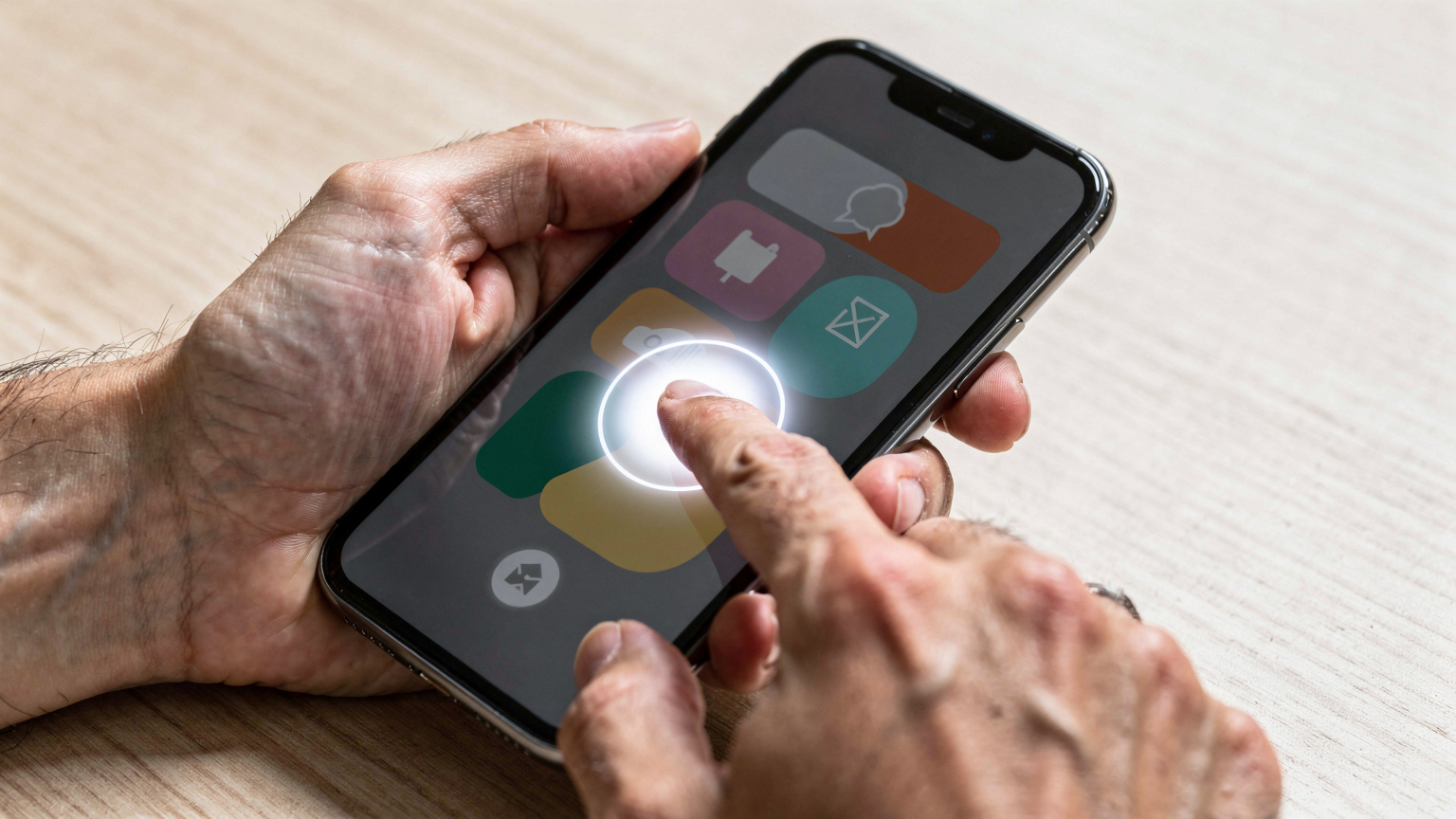
This is where the real magic happens for the business traveler. Your plane touches down, you taxi to the gate, and before you even get off the plane, your phone is already connected. Imagine the advantage: you can respond to urgent emails, check your ground transportation, or confirm your meeting schedule while others are still fumbling with their phones. No more waiting until you find free airport Wi-Fi (which usually requires jumping through hoops to log in, anyway).
First Things First: Connectivity From the Runway
The moment 'airplane mode' is off, your eSIM connects to the strongest local network. You can immediately access ride-sharing apps like Uber or Grab, check Google Maps for directions to your hotel, or send that crucial 'I've landed' message to your team. This instant connectivity is not just a convenience, it's a competitive edge. It allows you to hit the ground running, maintaining your professional cadence without missing a beat.
I've been in situations where flight delays meant I landed just minutes before a critical meeting. Being able to confirm the new arrival time with my colleagues and even pre-order a taxi while still on the tarmac saved me from a major professional embarrassment. That kind of reliability is priceless.
Navigating Airport Logistics with Ease
Beyond immediate communication, a working eSIM simplifies airport navigation. Need to find your gate for a connecting flight? Check the airport's official app with live updates. Lost your luggage? Call the airline's local desk without worrying about international call rates. Even something as simple as translating a sign in a foreign language using Google Lens becomes effortless. For a business traveler, these small efficiencies add up to significant time savings and reduced stress.
Before you travel, download offline maps for your destination on Google Maps or Maps.me. While your eSIM provides live data, having a backup for navigation in areas with patchy service, or to save data, is always a smart move. This is especially true if you plan to explore beyond major cities, where cellular coverage can be unpredictable, such as in wilderness areas.
Navigating Local Networks and Apps: The Ground Game
Once you’re out of the airport and into the city, your eSIM continues to be your workhorse. It’s not just about staying online, it's about integrating seamlessly into the local digital ecosystem, which is often crucial for day-to-day business operations and personal convenience.
Essential Apps That Demand Local Connectivity
Not all apps play nice with foreign numbers. Some local banking apps, particularly in countries like Brazil or India (think Aadhaar-linked services), often require a local SIM to even register or verify transactions. While your DataESIM will give you data, it won't give you a local number in every country, which means certain two-factor authentication methods tied to SMS might not work. Always investigate this beforehand if your business requires interaction with local financial institutions.
For example, when I was in São Paulo, my Brazilian colleague couldn't set up his company's expense app because it needed an SMS verification to a local number, even though he had data roaming. These small details can derail your productivity. Always have a plan B, or confirm with your local contacts if your existing number will suffice for any mission-critical apps.
Understanding Local Network Performance
eSIMs connect to the best available network in a given location. However, 'best' is relative. In some cities, one carrier might have superior 5G coverage, while another excels in specific business districts. For instance, in Bangkok, TrueMove H often had the strongest signal around Sukhumvit, while AIS was better in certain parts of Silom. Your eSIM automatically picks the strongest partner network, but it’s worth noting that performance can vary. If you find yourself in a specific meeting location with poor signal, remember that often moving to a different side of the building, or even stepping outside, can make a difference. (Sometimes, it's just the building's fault, not the network's.)

Co-working Connectivity: eSIM as Your Backup Plan
For the long-stay business traveler or digital nomad, co-working spaces are a lifeline. They offer dedicated desks, meeting rooms, and crucially, reliable internet. But even the best Wi-Fi can fail. That’s where your eSIM becomes indispensable – not just as your primary connection, but as your critical backup.
Reliable Wi-Fi, and When It Fails
I've spent countless hours in co-working spaces globally. In Lisbon, Second Home in Cais do Sodré was always reliable. In Medellín, Selina in El Poblado had decent speeds for video calls. Yet, even in these well-managed spaces, outages happen. A power flicker, a router glitch, or simply too many people streaming Netflix simultaneously can bring the network to its knees. When the main Wi-Fi drops, having your eSIM ready means you don't miss a beat. You can instantly hotspot your laptop and continue working, saving precious minutes or even hours of lost productivity.
I remember a particularly stressful morning at a WeWork in Shoreditch, London. Their fibre connection went down city-wide. My eSIM saved a major client presentation. While others were frantically trying to tether to their expensive roaming plans, I was already half-way through my slides, using my multi-country eSIM data.
Maintaining Productivity in Unpredictable Environments
Business travel often takes you beyond the pristine co-working space. Sometimes, you're in a local café, a client's temporary office, or even a hotel lobby that boasts 'free Wi-Fi' but delivers dial-up speeds. Your eSIM ensures that no matter where you are, you have a consistently fast and secure connection. This flexibility is vital for quick fixes, urgent communications, or simply staying in touch with your team across time zones.
| Scenario | Risk with Public Wi-Fi | Benefit of eSIM Backup |
|---|---|---|
| Co-working space outage | Lost productivity, missed deadlines | Instant hotspot to laptop, uninterrupted work |
| Hotel Wi-Fi throttling | Slow video calls, delayed uploads | Reliable speed for critical tasks |
| Client office guest Wi-Fi | Security vulnerability, network restrictions | Private, secure connection for sensitive data |
| Remote meeting location | No Wi-Fi available, no connectivity | Guaranteed access for communication |
Multi-Country Hopping and Data Management
For the executive whose itinerary spans continents, managing connectivity can be a nightmare. An eSIM turns this into a non-issue. Whether you're flying from Europe to Asia, or hopping between Nordic countries, the right eSIM simplifies your life dramatically. Consider a multi-country eSIM for Nordic journeys or an island hopping eSIM for Fiji, these are specifically designed for regional travel.
Seamless Transitions Across Borders
One of the biggest advantages of a regional or global eSIM plan is the absolute seamlessness when crossing borders. There's no need to buy a new SIM, no fiddling with settings, no data interruptions. As your plane crosses into a new country covered by your plan, your phone automatically latches onto a partner network. You literally don't have to do anything. This is a game-changer for someone with back-to-back meetings in different cities.
I once had a week of meetings scheduled: Monday in Paris, Wednesday in Brussels, Friday in Amsterdam. With a European eSIM, my phone just worked. No downtime, no stress. I could focus on my work, not my connectivity. Contrast this with a colleague who had to buy a new SIM in each country because their corporate phone wasn't eSIM-compatible. He spent half his lunch breaks in phone shops.
Optimizing Data Usage for Global Travel
Even with generous eSIM plans, smart data management is key, especially if you're on a fixed allowance or have visa limitations that restrict your stay. (Remember, many countries only allow 90 days in 180 as a tourist, making long-term data planning essential.)
- Download Offline Content: Movies, podcasts, large documents – download them over Wi-Fi before you leave your hotel or office.
- Monitor Data Usage: Regularly check your phone's data usage settings. Many eSIM apps also provide real-time tracking, helping you budget your gigabytes.
- Adjust Streaming Quality: If you're on a video call and data is precious, lower the resolution. Most platforms allow you to do this.
- Disable Background App Refresh: Go into your phone settings and turn off automatic refresh for apps that aren't critical. Instagram doesn't need to constantly update in the background when you're focused on work.
These small habits compound into significant data savings, ensuring your eSIM lasts as long as you need it to.

Cost-Efficiency: Breaking Down the Numbers
For business travelers, every expense is scrutinized. While the convenience of an eSIM is undeniable, the financial argument is equally compelling. When you factor in roaming charges, the time saved, and the avoidance of lost productivity, an eSIM often proves to be the most economical choice.
Roaming vs. eSIM: A Direct Comparison
Let's look at a typical scenario for a 7-day business trip to, say, Germany. Your home carrier might offer a daily roaming pass at €10-€15 for a small amount of data (e.g., 500 MB/day), or a monthly international add-on for €60-€80 for 5-10 GB. An eSIM plan for Germany might cost €15-€25 for 10 GB over 30 days. The savings are clear.
| Connectivity Option | Typical Cost (7 days, 10 GB) | Pros | Cons |
|---|---|---|---|
| Home Carrier Roaming Pass | €70 - €105 | Uses familiar number | Expensive, data limits, throttled speeds |
| Local Physical SIM | €20 - €35 (plus purchase cost) | Local number, competitive rates | Time-consuming to acquire/activate, risk of losing home SIM |
| eSIM (e.g. DataESIM) | €15 - €25 | Instant activation, cost-effective, multi-country options, no physical swap | No local number (data only), requires eSIM-compatible device |
Long-Term Savings for Frequent Travelers
For those who travel frequently or spend extended periods abroad, like myself (I average 1-3 months per country), the savings compound. My rent in Chiang Mai for a furnished 1-bedroom apartment was about ฿15,000 (around $450 USD) a month, and a decent co-working space like Hub53 cost about ฿3,000 ($90 USD) a month. Add in local food (think ฿50-฿100 for a noodle dish at a food court), and my monthly data spend with a regional eSIM was barely ฿300. Compare that to a recurring €70 weekly roaming charge, and the annual difference is staggering. It’s the difference between a new laptop and a few extra months of rent. For digital nomads frequently moving between hubs like Bali, where unlimited eSIM options are becoming popular, these long-term savings are critical.
Troubleshooting Common eSIM Issues on the Road
Even with the most reliable tech, issues can arise. Knowing how to troubleshoot common eSIM problems can save you from a connectivity crisis mid-trip. Most issues are minor and easily resolved with a few simple steps.
No Service or Slow Speeds: What to Check
If your eSIM isn't connecting, or speeds are unusually slow, here’s a quick checklist:
- Check Data Roaming: Did you remember to turn ON data roaming specifically for your eSIM line? This is the most common oversight.
- Restart Your Phone: The classic fix. A simple reboot can often resolve temporary network glitches.
- Verify APN Settings: In rare cases, the Access Point Name (APN) might need manual configuration. Your eSIM provider will supply these details if necessary. Go to Settings > Cellular/Mobile Data > (Your eSIM) > Cellular Data Network.
- Check Network Selection: Ensure your phone isn't stuck on a weak network. Try switching from 'Automatic' to 'Manual' network selection in your cellular settings, and then manually select a different partner network from the list.
- Contact Support: If all else fails, reach out to your eSIM provider's customer support. They can check your plan status and troubleshoot network issues remotely.
Managing Multiple eSIMs
If you're a true globetrotter, you might end up with several eSIM profiles on your device. Most modern smartphones can store multiple eSIMs, but only one can be active for data at a time (though you can receive calls/texts on your primary SIM). Keep them clearly labeled in your settings (e.g., 'USA Business', 'Asia Trip', 'Personal Home'). When traveling to a new region, simply activate the relevant eSIM and deactivate others to avoid confusion. This is particularly useful for events like the Barranquilla 2027 Pan American Games, where you might need a dedicated regional plan.
The Future of Business Travel Connectivity
The trajectory is clear: eSIMs are not just a trend, they are the future of mobile connectivity, especially for business travelers. As technology evolves, we can expect even more seamless integration and advanced features that will further cement their role in global business.
What to Expect in 2027 and Beyond
We're already seeing advancements like integrated eSIMs in laptops and smartwatches, promising true device independence. Imagine your presentation notes syncing instantly from your laptop via its own eSIM connection, without needing to tether to your phone. We'll likely see more dynamic, on-demand data plans that adjust based on real-time usage, and even tighter integration with travel management platforms. The drive is always towards frictionless, ubiquitous connectivity.
Making the Switch Today
If you're still relying on physical SIMs or expensive roaming for your business trips, 2026 is the year to make the switch. The benefits in terms of time saved, reduced stress, cost efficiency, and enhanced security are simply too significant to ignore. Your primary goal on a business trip is to perform your work effectively, and a reliable eSIM is the invisible infrastructure that makes that possible. It’s not just about staying connected, it’s about staying ahead. Take the leap, get your eSIM, and experience true seamless travel. For comprehensive plans, check out the USA eSIM page to find options for your next trip.
Frequently Asked Questions
Can I use my primary phone number for calls and texts while using an eSIM for data?
Yes, absolutely. Most modern smartphones support 'Dual SIM Dual Standby' (DSDS), allowing you to keep your primary physical SIM or eSIM active for calls and texts while using a different eSIM for mobile data. Just ensure you configure your phone's settings to designate which line handles which function.
What if my business trip extends beyond my eSIM plan's validity?
If your trip is longer than expected, you usually have a few options. Many eSIM providers allow you to top up your existing plan with more data or extend its validity. Alternatively, you can purchase a new eSIM plan for the additional duration, often from the same provider, and activate it on your device. Plan ahead to avoid last-minute stress.
Are eSIMs secure for handling sensitive business data?
eSIMs provide a secure cellular connection, which is generally safer than relying on public Wi-Fi networks for sensitive data. While a VPN is always recommended for an added layer of security, the underlying cellular connection provided by an eSIM is inherently more private and encrypted than open Wi-Fi. It's a significant upgrade in security for mobile business operations.
Do I need an unlocked phone to use an eSIM?
Yes, your phone must be unlocked to use an eSIM from a different carrier than your primary one. If your phone is locked to a specific network, you'll need to contact your home carrier to have it unlocked before you can activate an international eSIM. Most phones purchased outright are unlocked, but contract phones might be locked until the contract terms are met.
Can I install an eSIM while still in the air or without an internet connection?
You can purchase and install an eSIM profile (via QR code or manual entry) before you lose internet access, for example, at your departure airport. However, the eSIM will only fully activate and connect to a cellular network once you land and turn off airplane mode in a covered country. You need an internet connection to initially download the eSIM profile, but not to use it once installed.
What's the difference between a regional eSIM and a global eSIM?
A regional eSIM covers a specific geographical area, like 'Europe' or 'Asia', offering connectivity across multiple countries within that region. A global eSIM, on the other hand, provides coverage in a much wider range of countries across different continents. Regional plans are often more cost-effective for focused travel, while global plans offer maximum flexibility for truly extensive itineraries.